For AV installers and integrators
An AV client handoff document that gets used, not filed
A good handoff tells the client how to run the room, what is in it, and what to do when something breaks. Here is what to put in one, and a faster way to make it.
Start here, free
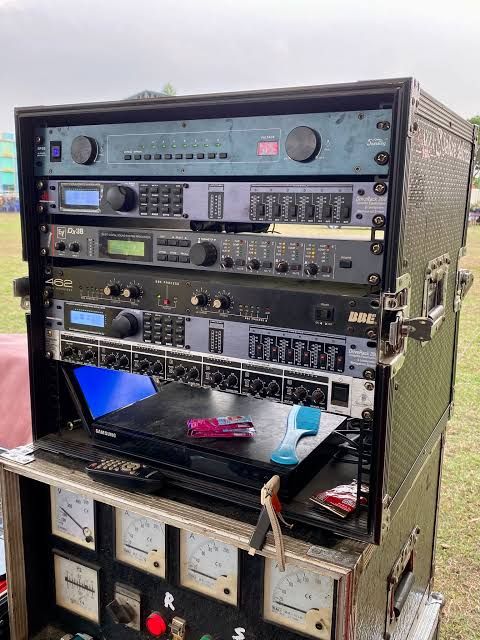
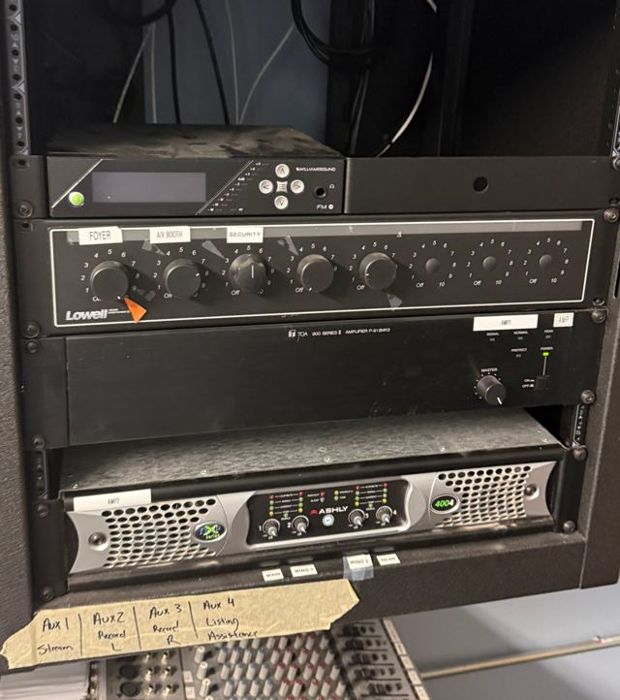
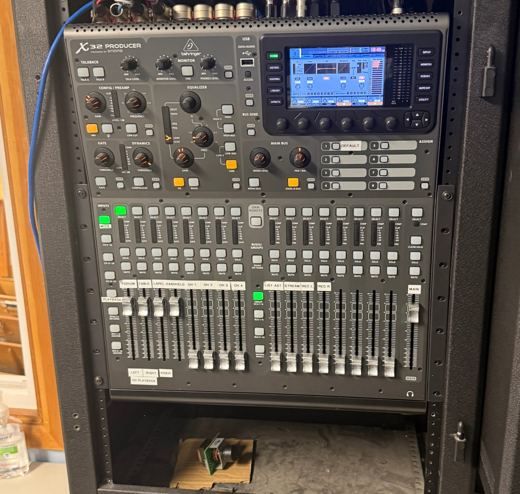
Upload one photo of your rack and see the gear AV Runbook recognizes. No account or card.
Try it free with a photoYou get a starter runbook by email.
Handoff packet
Boardroom 3A
What a good handoff document includes
Six parts cover what a client needs on day one and in year three.
System overview
One short paragraph on what the room does and how signal moves from each source to the screens and speakers.
Gear list
Every unit with make and model, and where it sits in the rack.
Power on and power off
The exact order, written for someone who has never seen the room.
Running an event
Before, during and after, as short numbered steps.
If something goes wrong
The fixes people ask about most, each with the first thing to check.
Who to call
Your support contact and hours, so the client never has to guess.
Why most handoffs go unread
A PDF in an email thread is gone after the next staff change. A QR code on the rack stays with the room, and anyone can scan it. AV Runbook builds the runbook, the gear manual and that QR checklist from photos of the room, with your company name on all three.
Liked the free read? Pick your path.
Two ways to go further, depending on who the room is for.
I install AV for clients
Installer trial
30 days free, no card. Then $99 a month, up to 15 client rooms.
- Runbook and gear manual with your company branding
- A QR crew checklist for every room
- Send the finished handoff to the client with one email
It is one room of mine
One room
$39 once per room. No subscription.
- Up to 20 photo reads
- Runbook, gear manual and QR crew checklist
- Describe the room out loud if you prefer not to type